ERP and customer portal
An ERP can supply the customer portal with order details, customer records, and current order status.
I work with your team to identify which system owns each record. I build the connections that keep the two systems in sync.
Custom API development
I connect business applications so the information people enter in one place is available where their colleagues and customers need it. That can mean linking your ERP, CRM, customer portal, or an external service.
I identify which system owns each record, what should trigger an update, and how the other system will confirm it arrived.
I’m Marcus Biel. I design the integration with your team and write the code that connects the systems.
An order entered in the customer portal has to be entered again in the ERP. People maintain contact details in several places. To produce a report, someone regularly exports and merges files.
An integration can carry those records across and tell the team if a transfer fails.
You may recognize one of these situations.
I examine the systems and the process they need to support, then define the integration around that task.
An ERP can supply the customer portal with order details, customer records, and current order status.
I work with your team to identify which system owns each record. I build the connections that keep the two systems in sync.
Contacts, cases or results from a business application need to appear in the CRM.
I work out how to match records, which changes to transfer and how to handle conflicting information.
Your application might need to take a payment, generate a document, or call another service.
I build the integration, including authentication, data processing and handling the service’s responses.
See the payment integration in the financial SaaS case study
You want customers, partners, or their applications to use selected features of your software.
I design the API, implement it, and document which records people can read or change and how to make a request.
A customer enters an order in your portal. The ERP uses the order to start work and sends progress updates back to the customer.
For each direction, we agree which fields move, what triggers a transfer, and how the receiving system confirms it.
Discuss your data flowI identify which information is exchanged and which system is authoritative for each field.
That includes how to match existing records and what should happen when someone creates, edits, or deletes one.
I look at the APIs, imports, and exports each system supports and choose how to connect them.
I account for authentication, permissions and the operations available through the API.
I check how each system confirms receipt, how to recognize an order it already has, and what to do when fields are missing.
The integration records errors so staff can identify the affected records and the next step.
I try the connection with sample records from your workflow.
I also test what staff see if the receiving system rejects a record or goes offline, and how they can pick up the transfer afterward.
I build and run Maildroppa, an email marketing platform that connects to the other tools its customers use.
The product includes a WordPress plugin, a Zapier integration and webhooks. A website signup can add a subscriber, a change in another app can update a contact, and an event can start an email sequence.
Building those connections has taught me to follow a record all the way through both systems, including what happens when one of them is unavailable.
Explore the Maildroppa case study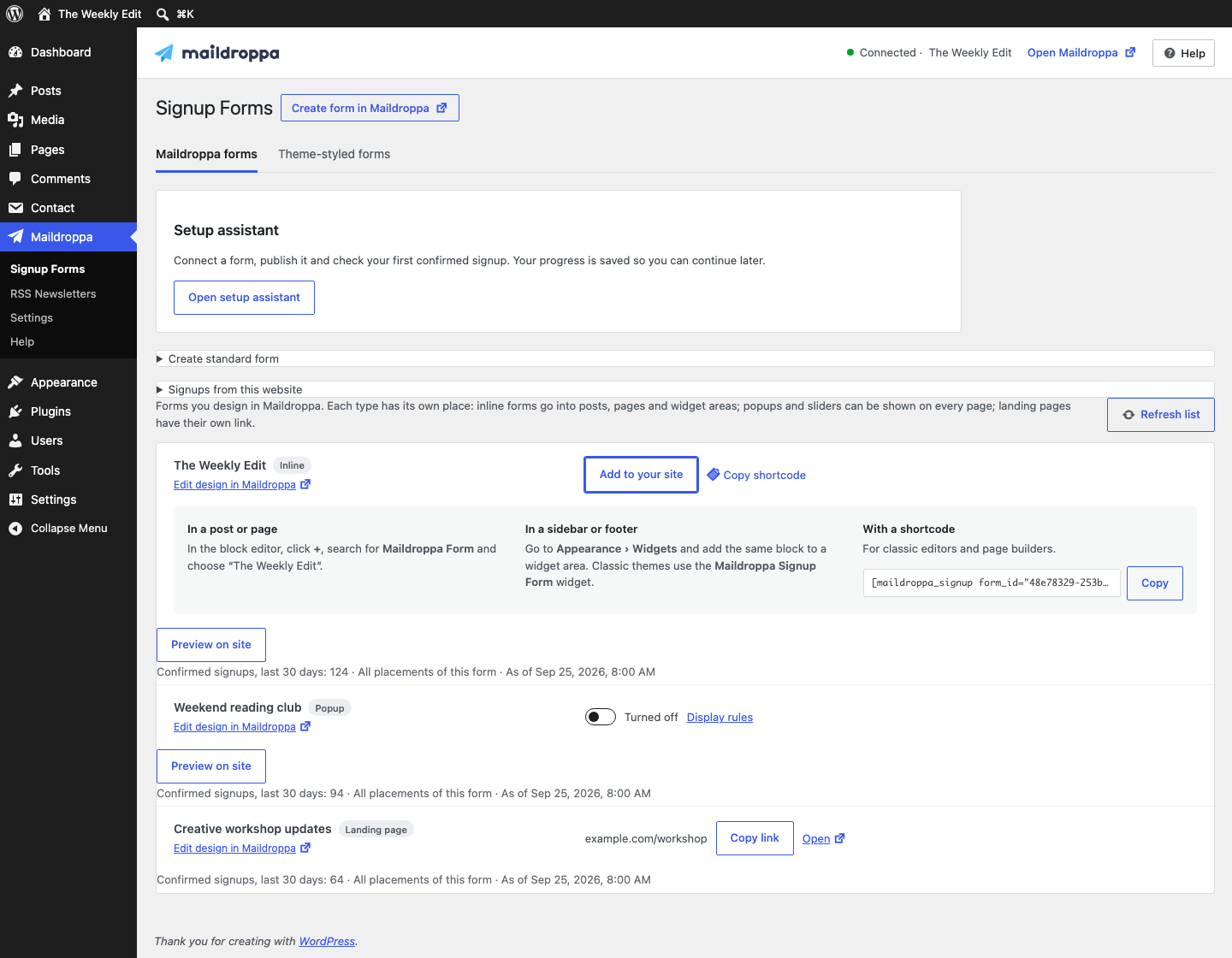
Some integrations work best as a batch job, for example when a team needs fresh figures for a daily report.
I can extract records from several sources, transform them into a common format, and load them into the system that needs them. This is known as ETL.
That lets the reporting team work from one dataset.
We agree on formats, volumes, how often the data needs to refresh, and how to flag incomplete or invalid records.
Tell me which applications are involved and which information should move between them.
API documentation, sample data and technical contacts help me assess the work.
We agree on where the data starts, where it should go, which fields to send, and what triggers the transfer.
I check the technical constraints with the teams involved and give you a quote or a budget for the first integration.
I test the connection with the records and workflows selected for the project.
For rollout we agree on access, the operating environment and how error messages will be handled. We also plan for support and later adjustments.
I work remotely with clients across Germany.
Tell me which systems you want to connect, what needs to move between them, and how the team handles it today.
If available, include API documentation, sample records and how often the data needs updating.
I can fill in any missing technical details with your team.
Often, yes. I look at what the software supports. Scheduled file imports and exports can be a practical choice for older applications.
I can then assess which transfers are feasible and what it will take to build them.
That depends on how quickly people need updates and what the systems can support.
An order might trigger an update as soon as it’s placed. For a daily report, a scheduled transfer may be enough. I’ll check both systems’ limits before choosing.
Cost depends on the APIs available, how easily records can be matched, and which workflows the integration must support.
I also look at the volume of data, whether updates move in one or both directions, and what to do if a transfer fails. External services may charge usage fees.
Once the scope is agreed, I can quote for the integration or define a budget for a development phase.
Changes to an API, data formats or access procedures may require adjustments to the integration.
Before handover, I work with your team to decide who will monitor changes, assess their impact, and update the integration. Ongoing support can be part of the engagement.
Tell me where the data lives, where it needs to go, and who currently moves it.
I’ll help you identify a first integration that’s useful on its own.